
Price history
4 price snapshots · hover the line to see the date and price · updated 09:00 / 15:00 / 21:00 daily
Screenshots Tap to enlarge

About this app
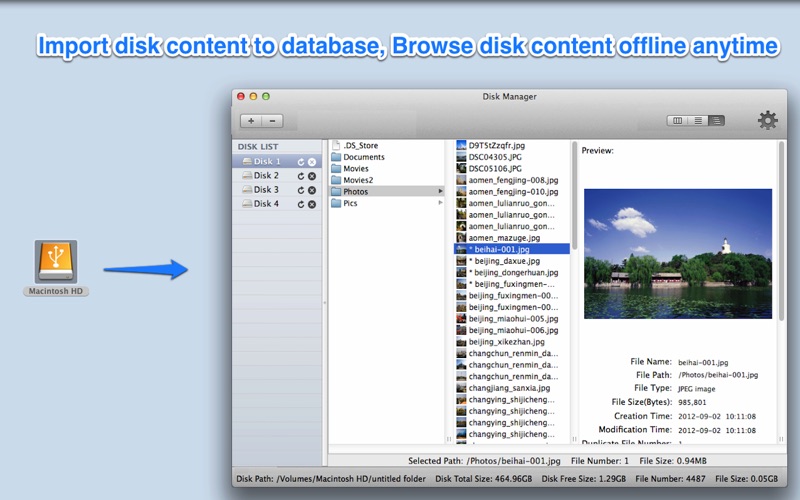
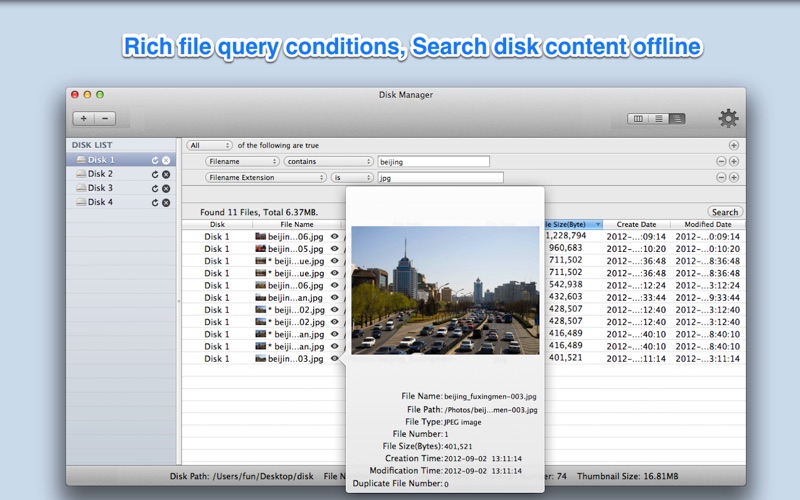
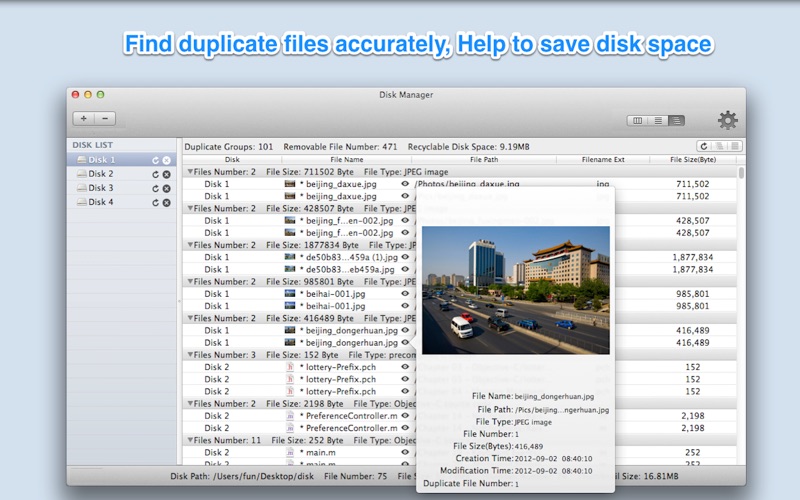
Import disk content to database, browse and search disk content offline anywhere anytime. [ How to use it: ] 1. Add or drag disks/folders to the left disk list pane of App 2. After import the disk content, you can then browse&find disk content offline. [ Key features: ] 1. Backup disk file information to database precisely. Easily browse disk content offline anytime anywhere. Support to customise database store path and switch database. 2. Provides rich query condition to easily search disk content offline. 3. Find out all duplicate files on disks accurately, help to save disk space. 4. Create thumbnail for images, videos, PDF files and all other Preview supported files, more convenient to browse. 5. Support protect login by password. [ Contact: ] Email: [email protected] ******U